HOME /COMMS & RADIO /CAMLINK — LIVE VIDEO TO YOUR TAK SERVER | ATAK PLUGIN

CamLink — Live Video to Your TAK Server | ATAK Plugin
SKU: D47-CAMLINK
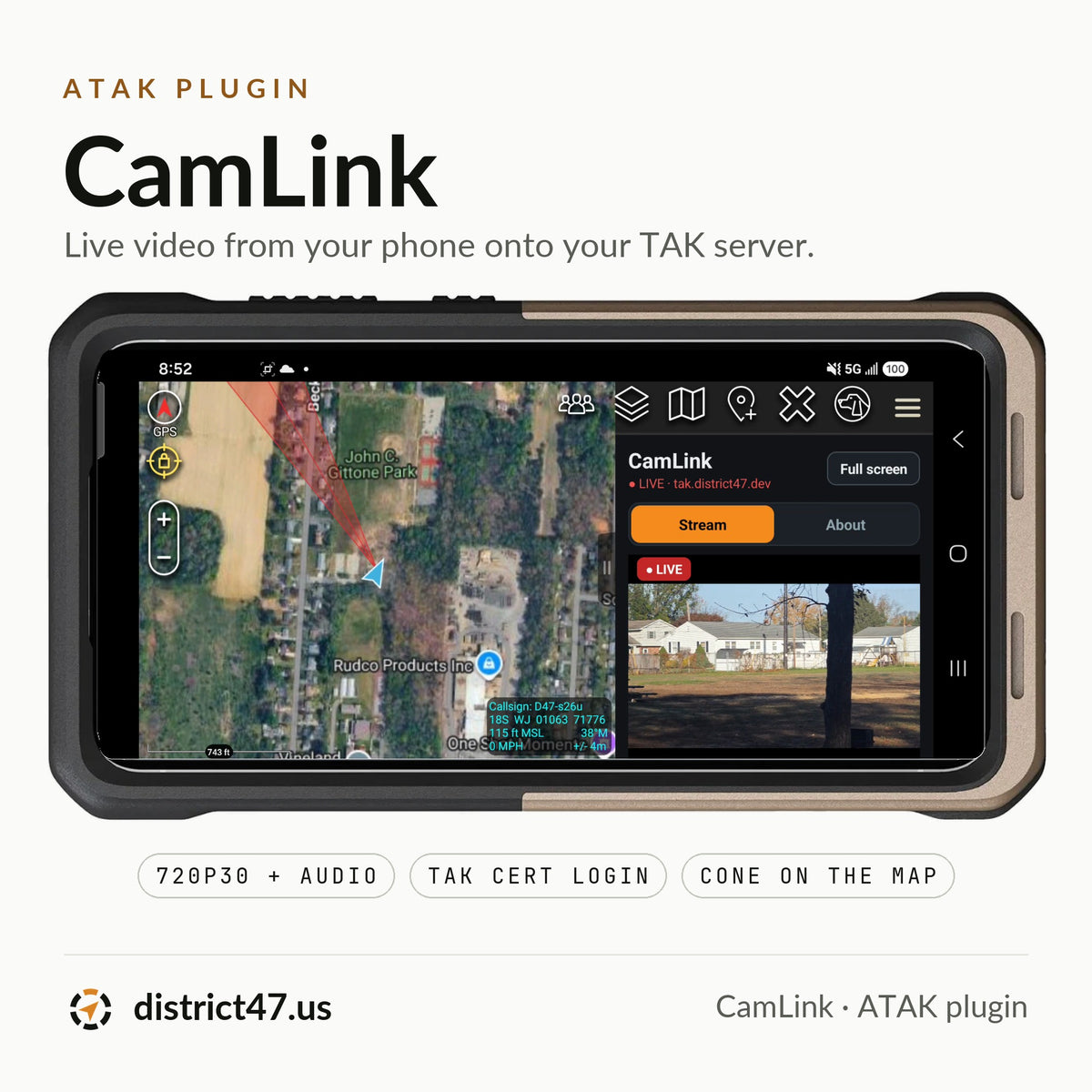
Your team can see where you are on the map, but not what you're looking at. CamLink puts live video from the phone already running ATAK onto your TAK server: plug in a capture card or use the phone's own camera, tap Go Live, and a red cone on your marker shows everyone where the camera points.
There's no laptop, no OBS and no stream key. CamLink logs in with the TAK certificate ATAK already has, streams encrypted, and keeps going with the screen locked. When the signal gets weak it steps the quality down instead of dropping, and climbs back when it clears.
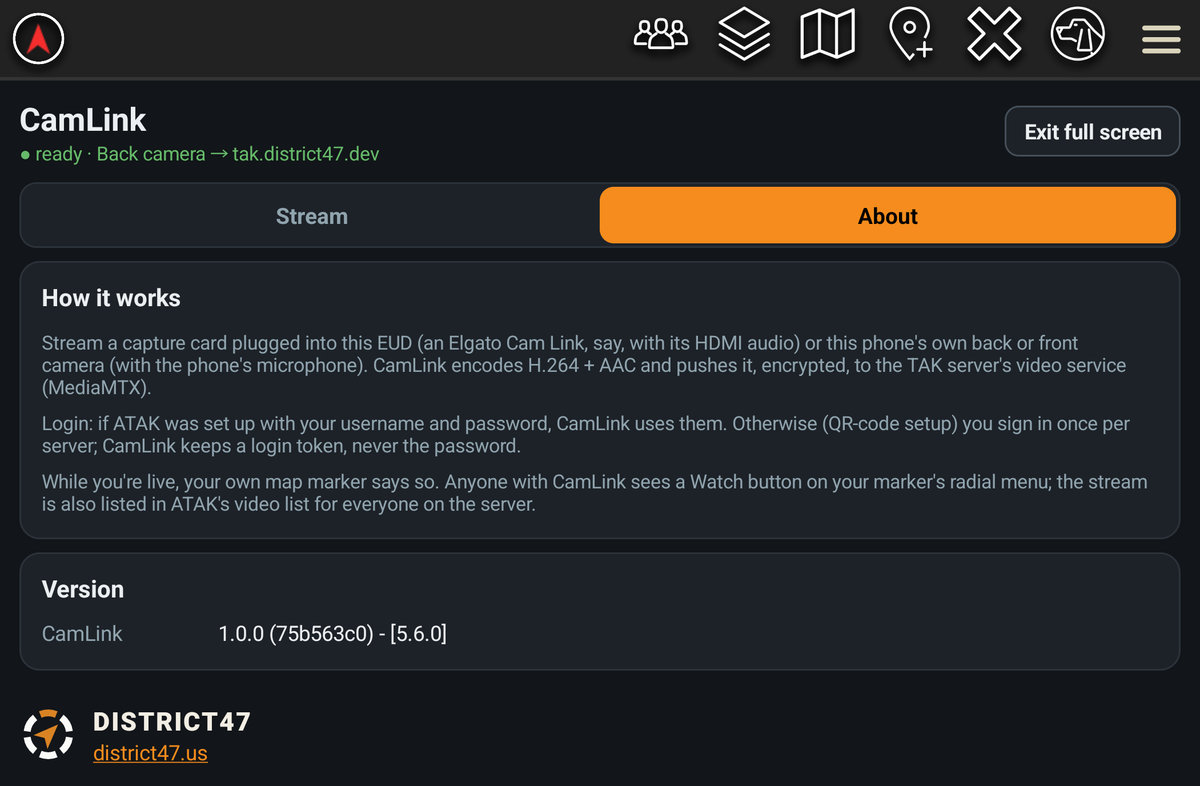
How it works

By the numbers

What you and your team see

Who can watch

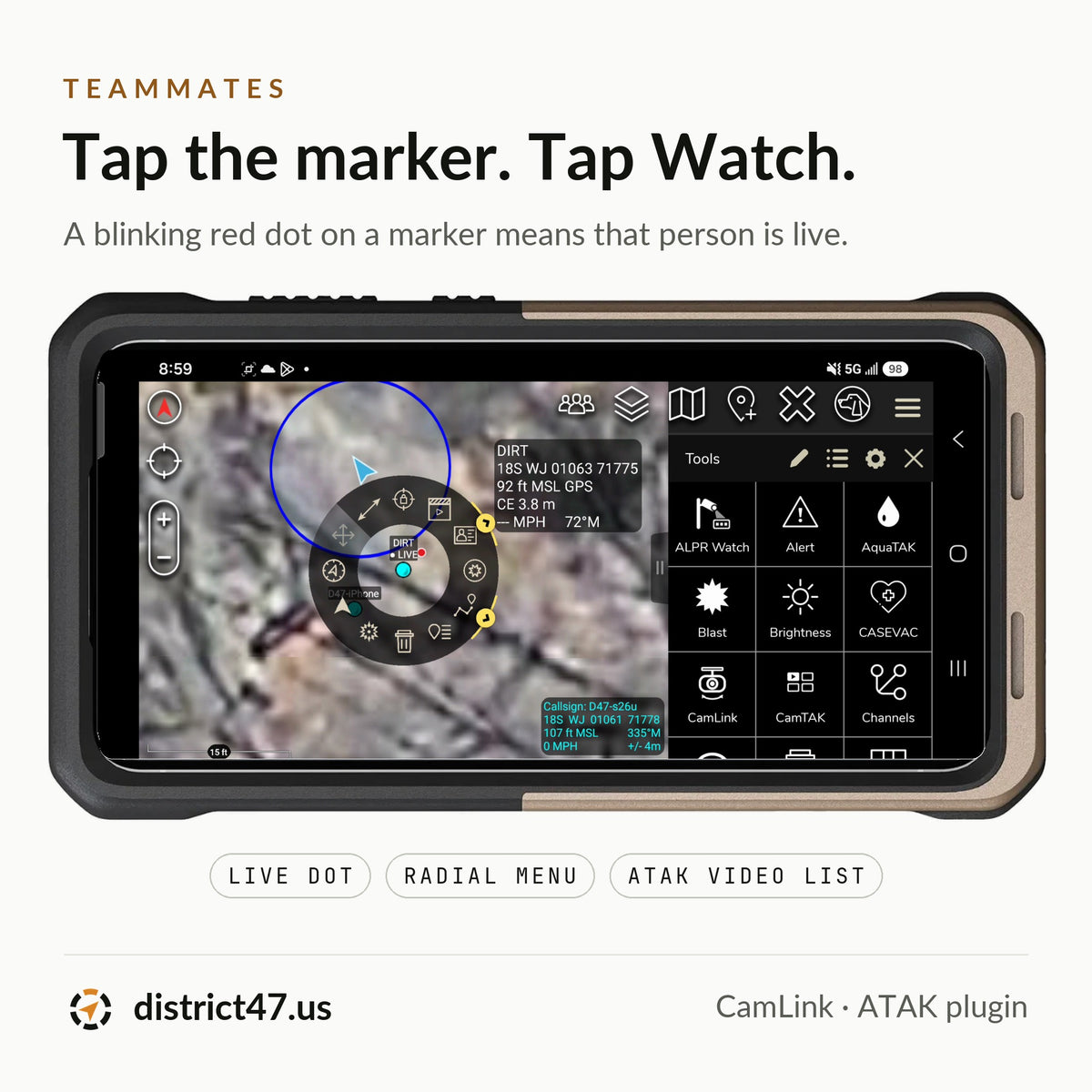
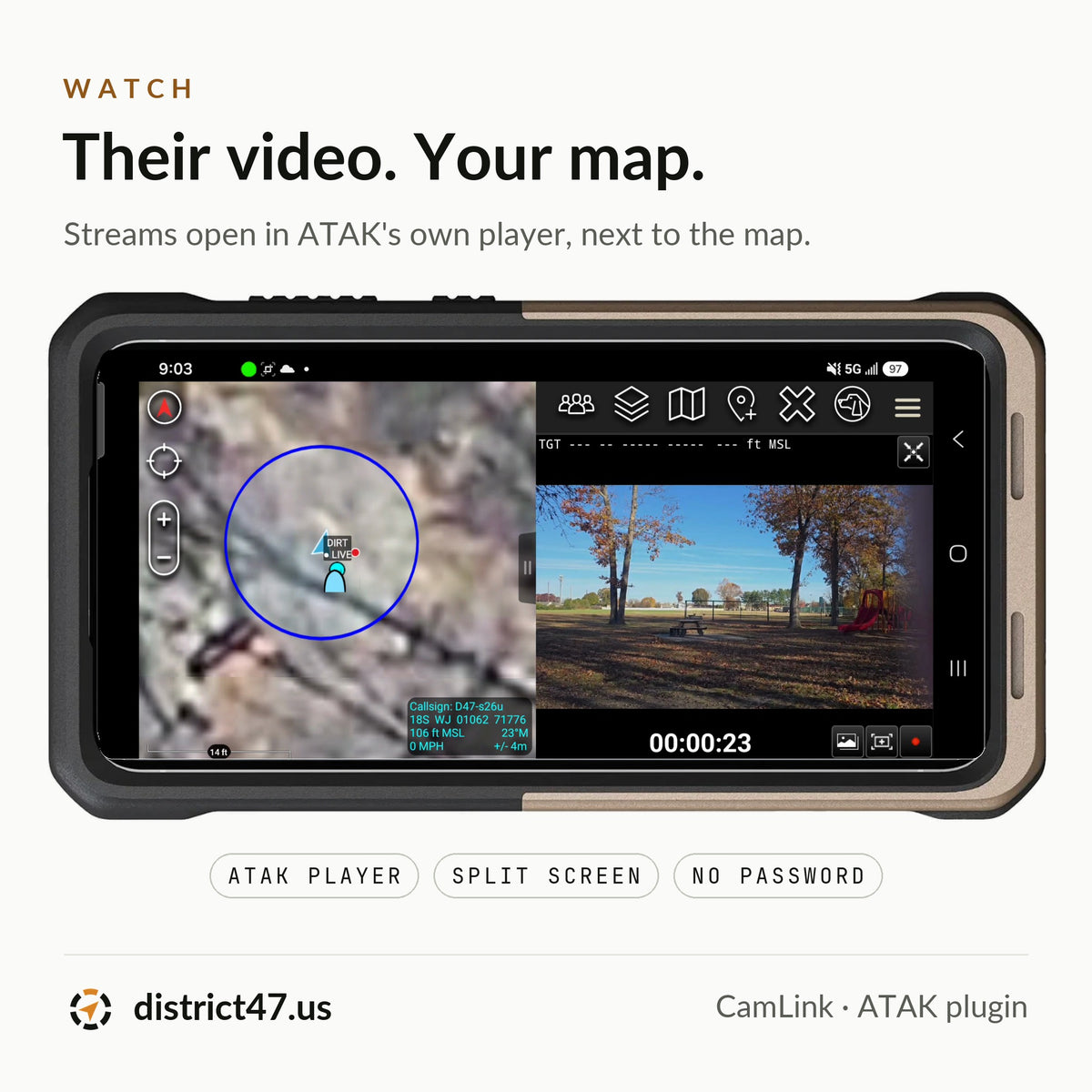
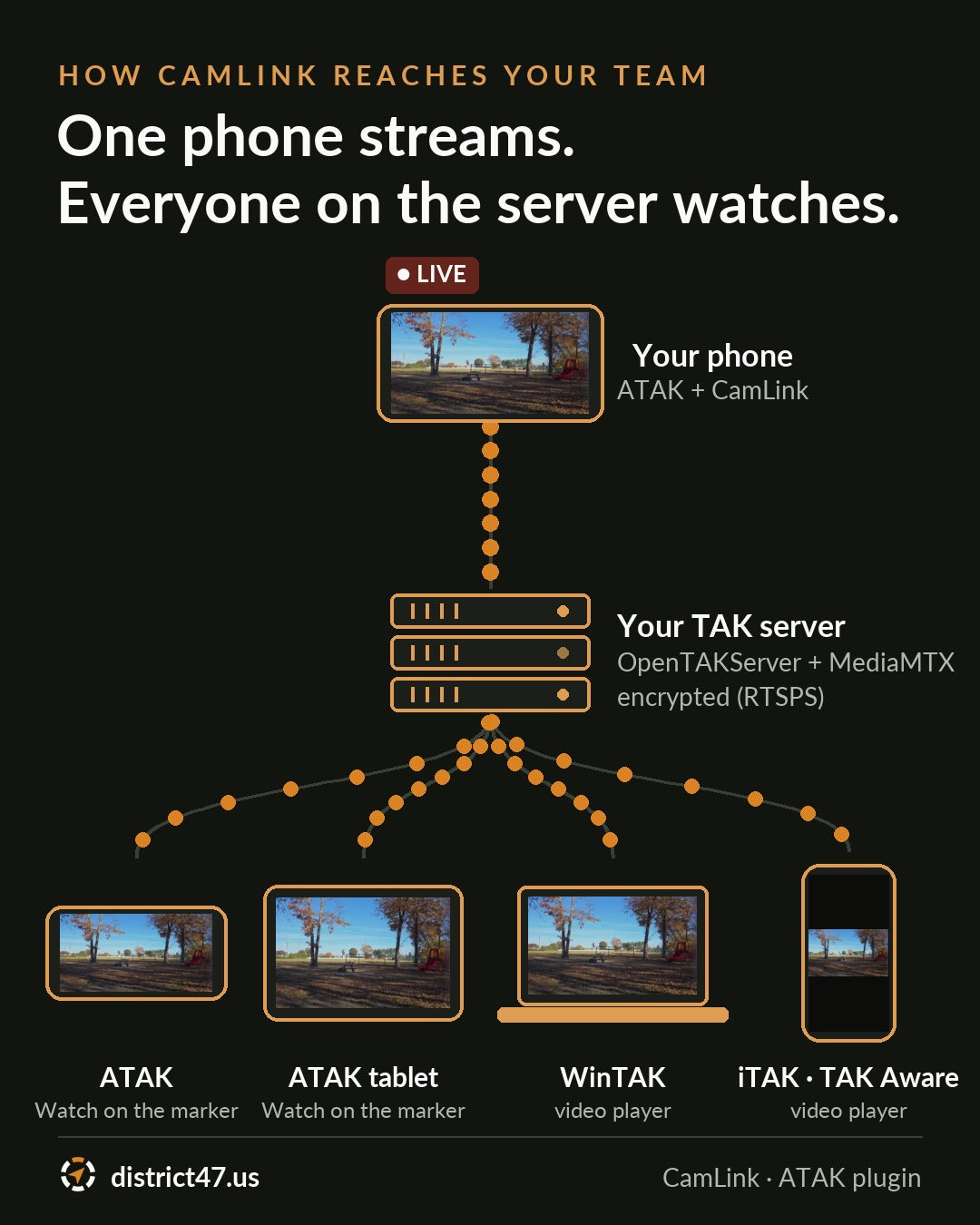
Only the phone sending video needs CamLink. It streams once and the server hands the video to everyone on it, so ten viewers cost your phone no more data than one. ATAK users with CamLink tap your marker, then Watch. ATAK, WinTAK and iPhone users without it open the stream in their video player with their server login.
Need a server?

What's included
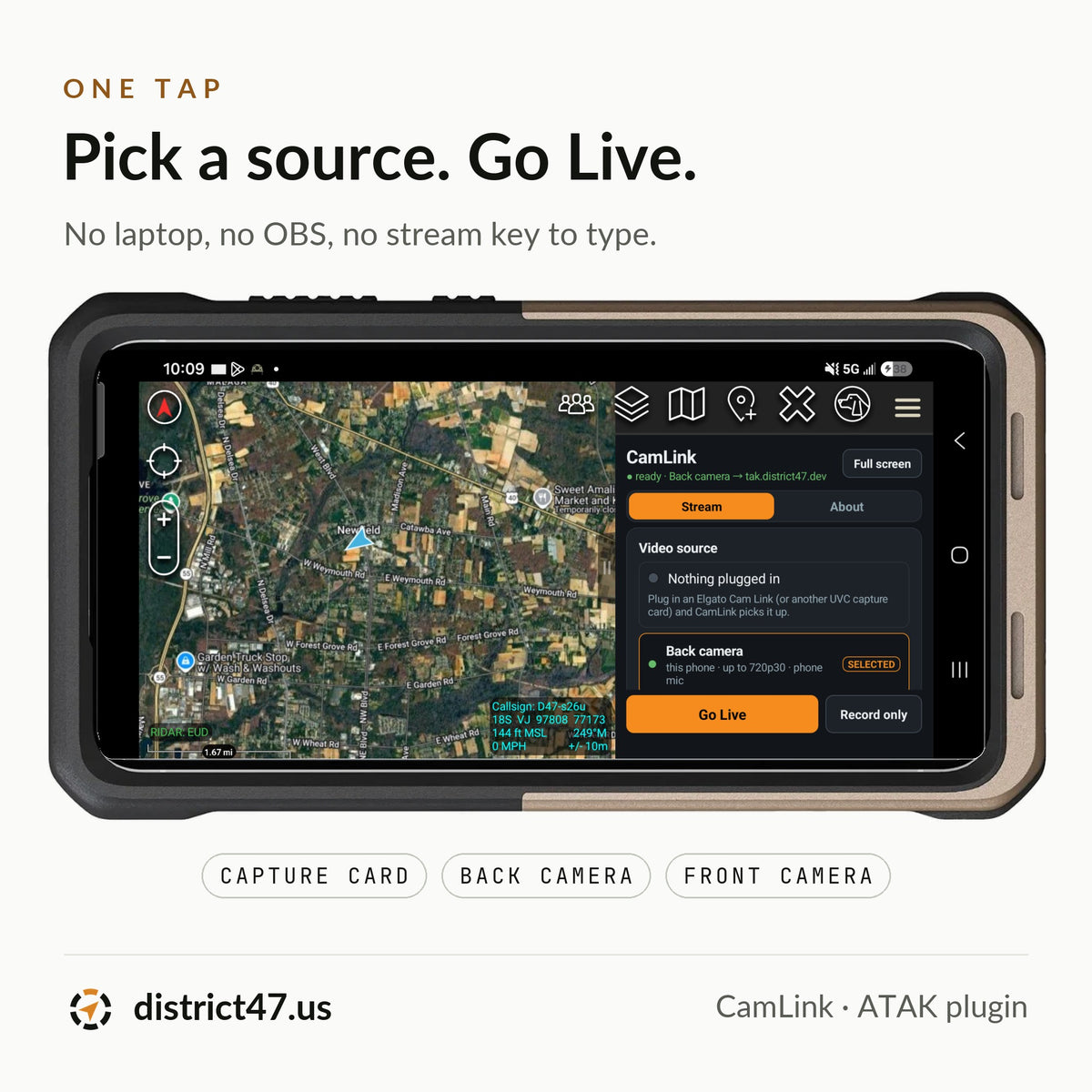
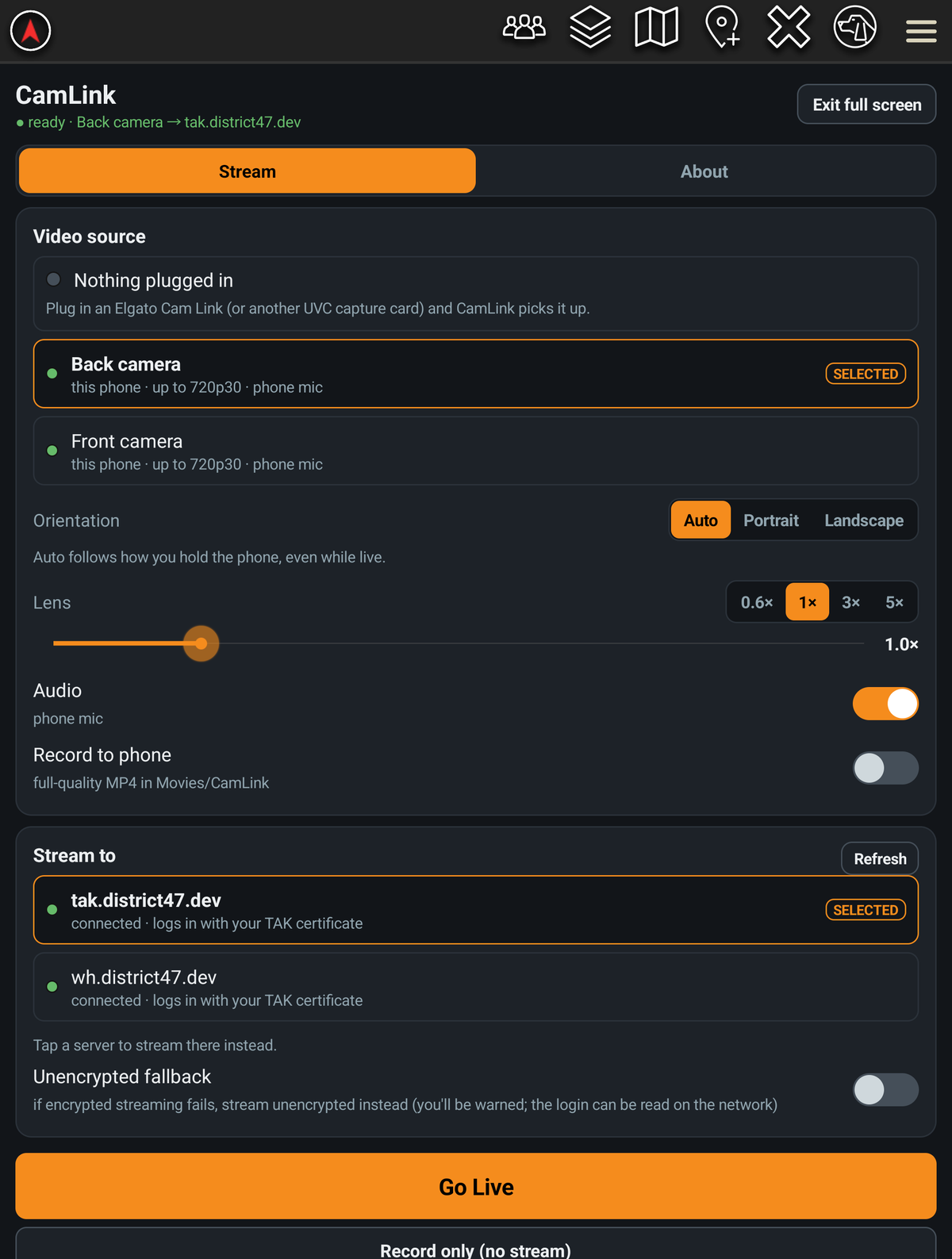
- Capture card input: an Elgato Cam Link 4K puts a drone controller, thermal scope or body camera on the map
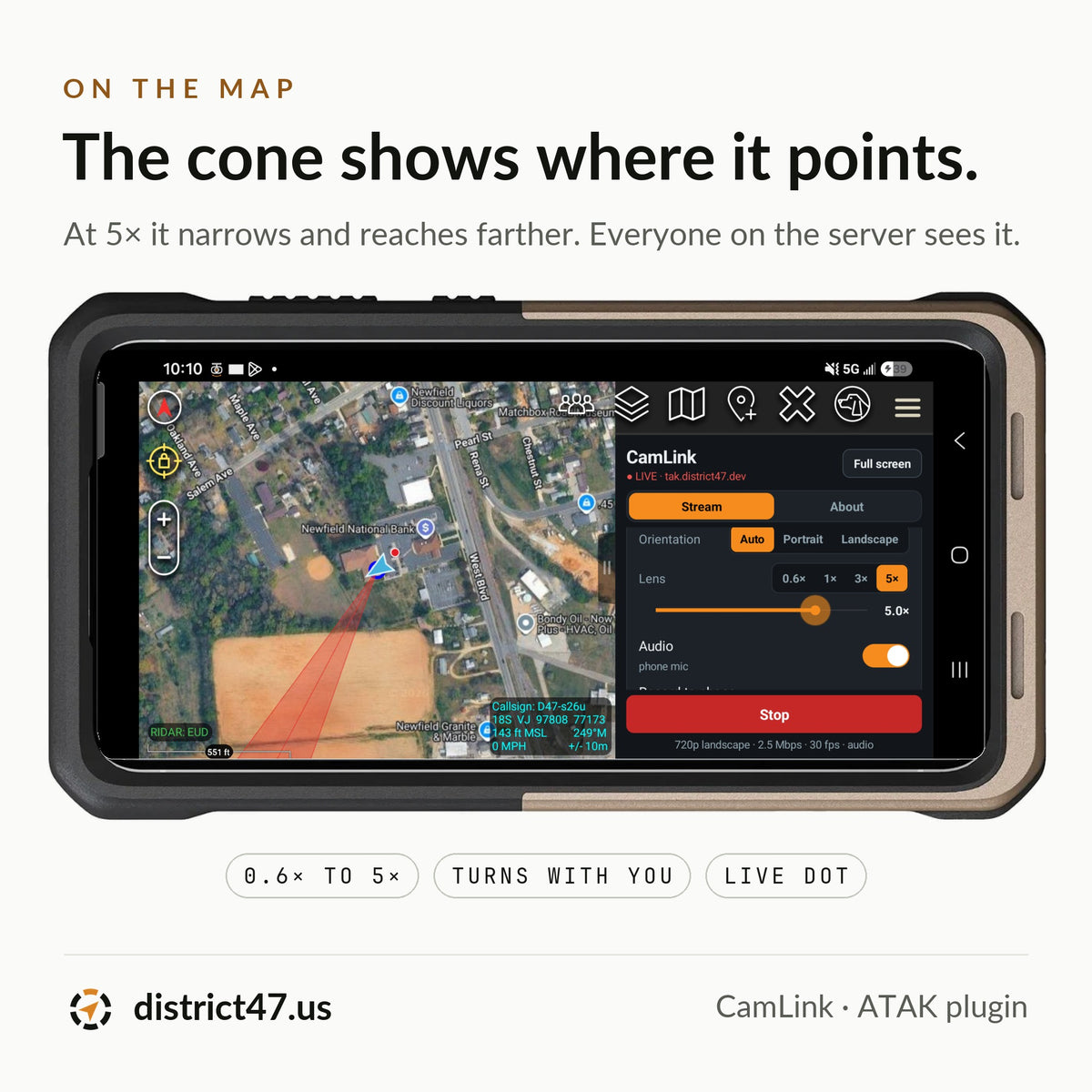
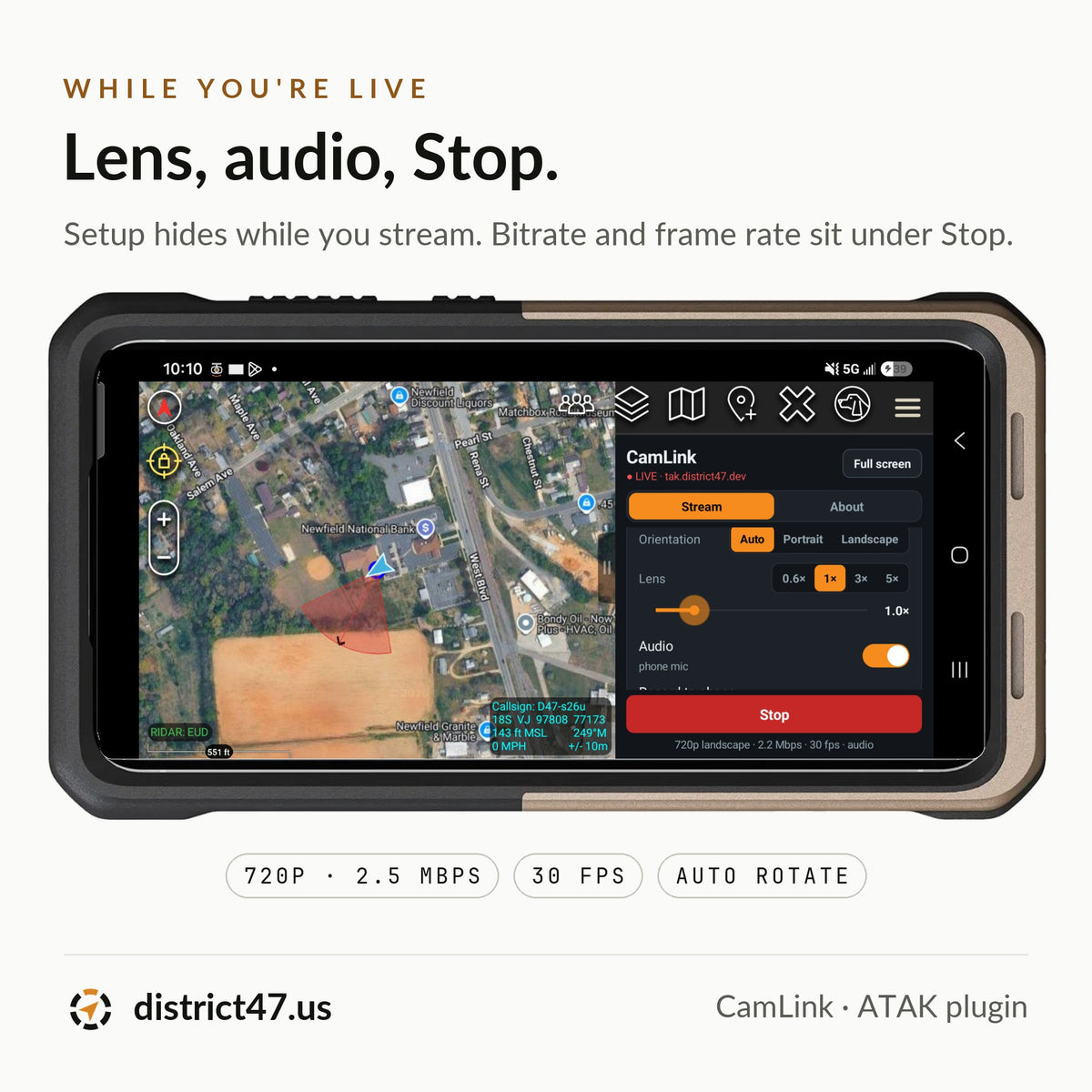
- Phone camera input: back or front, with lens buttons from 0.6× to 5× and a zoom slider
- 720p30 H.264 with AAC audio, up to 2.5 Mbps, stepping down to 480p or 360p on a weak signal
- Encrypted streaming over RTSPS, with an optional unencrypted fallback that always warns you
- Certificate login: no stream key, no password to type
- A red cone on your marker showing where the camera points, sent to everyone on the server
- A blinking LIVE dot and a Watch button on your marker for teammates with CamLink
- MISB ST 0601 KLV in the video: position, heading and field of view, read by ATAK's video player
- Record to phone: a separate 1080p copy, saved in 5-minute pieces so a crash costs one piece
- Record only: no server or signal needed
- Orientation that follows the phone, even while live, or locked to portrait or landscape
- Runs with the screen locked or ATAK in the background
Video and streaming
| Video | H.264, 720p at 30 fps · steps down to 480p and 360p |
| Bitrate | Up to 2.5 Mbps · as low as 0.2 Mbps on a weak signal |
| Audio | AAC from the phone's mic or the capture card's HDMI audio · mute any time |
| Encryption | RTSPS (TLS) to your server's MediaMTX |
| Login | The TAK certificate ATAK already has · only a login token is stored, never your password |
| On the map | Camera cone and LIVE dot on your marker · Watch button for teammates with CamLink |
| Metadata | MISB ST 0601 KLV, about 4 times a second |
| Recording | 1080p MP4 at 8 Mbps in Movies/CamLink, in 5-minute pieces |
Easy on your data plan
Full quality uses about 1.1 GB an hour, and much less once CamLink steps down on a weak connection. Your phone sends the stream once, however many people watch. Recording to the phone uses about 3.6 GB of storage an hour and no data.
How to install
- 1Complete your purchase: you'll receive an email with your APK download link instantly.
- 2Transfer the APK to your Android device running ATAK 5.6.0.
- 3Install the plugin and tap Load when ATAK offers CamLink.
- 4Open CamLink from the ATAK tools menu, pick a source and a server, and tap Go Live.
The cone and KLV come from the phone's compass and tilt sensors. With a capture card they show where the phone points, not the drone or scope, so keep the phone facing the same way. Near metal or in a vehicle the compass can be off by tens of degrees.
Compatibility
| ATAK version | ATAK-CIV 5.6.0 (sending); viewers can use ATAK, WinTAK, iTAK or TAK Aware |
| Plugin version | 1.0.1 |
| Min Android | 5.0 (SDK 21) |
| Target SDK | Android 14 (SDK 34) |
| Tested on | Galaxy S24 Ultra and S26 Ultra |
| Server | OpenTAKServer with MediaMTX · District47-hosted servers are ready; on others, add the free OTS-CamLink plugin or sign in once in CamLink |
| Capture card | UVC with raw video (tested with the Elgato Cam Link 4K) and a USB-C adapter |
| Connection | Internet to your TAK server (Wi-Fi or cellular); Record only works offline |
| Delivery | APK · digital download |
Elgato and Cam Link are trademarks of Corsair Memory, Inc. ATAK is developed by the TAK Product Center; CamLink is an independent plugin, signed through the TAK.gov third-party plugin program. District47 is not affiliated with or endorsed by Elgato, Corsair or the TAK Product Center.